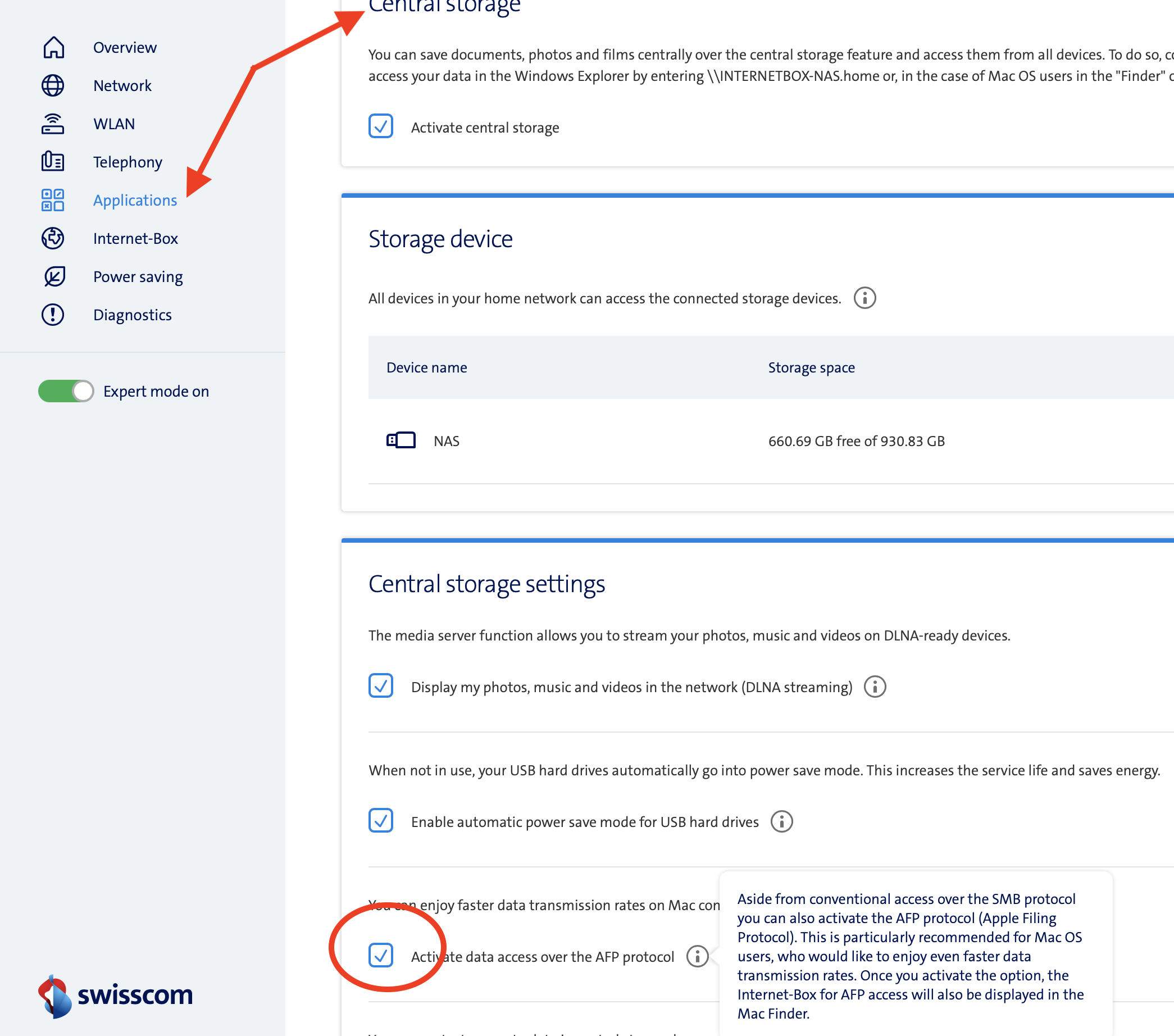
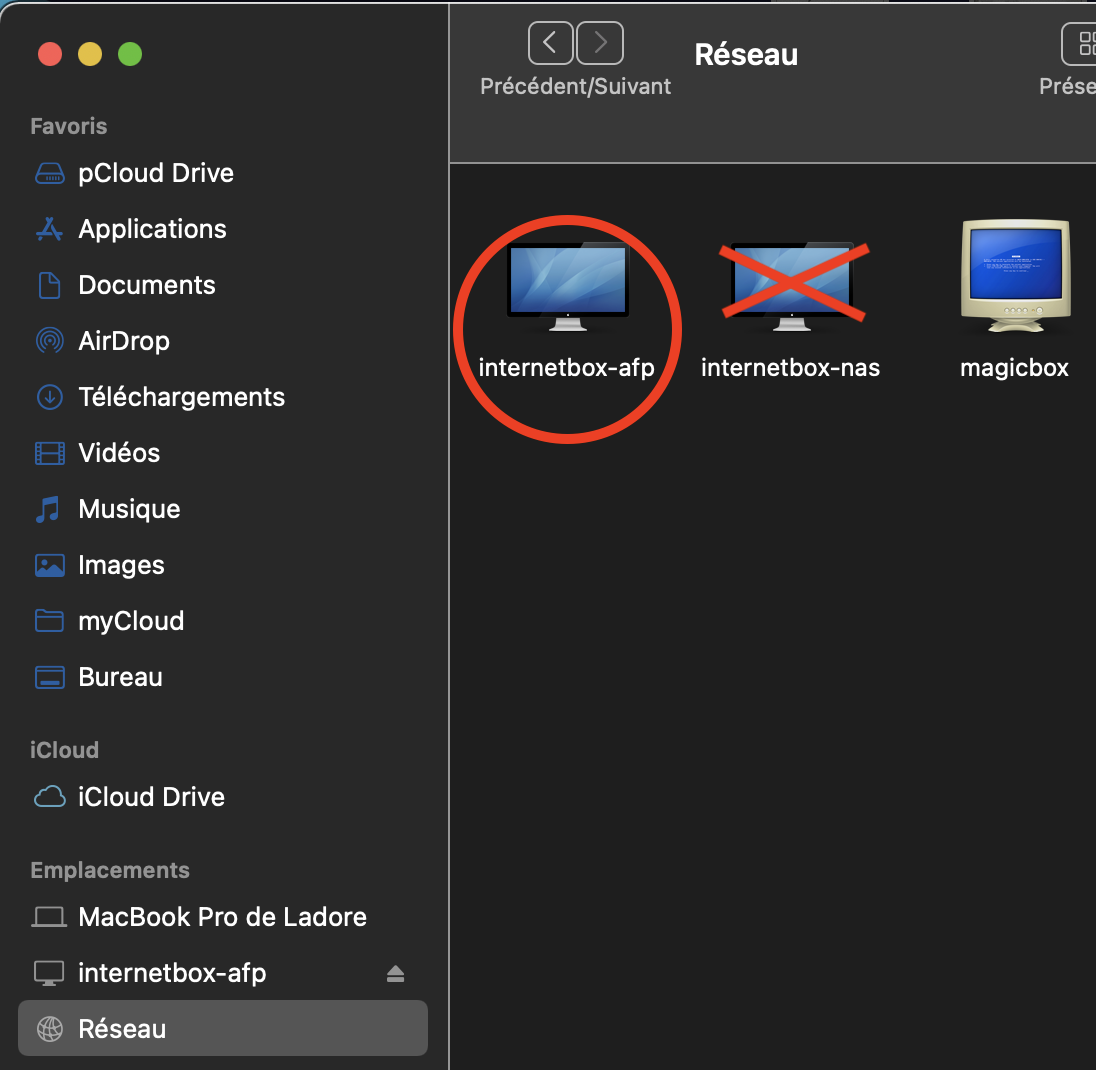
I have this problem to. Rebooting router did not work. Hard reseting the router, (Swisscom Internet-Box 3, pin in the bottom), did not work. Running this command: sudo kextload /System/Library/Extensions/smbfs.kext from terminal, did not work. Shut everything down and restart. Did not work. Checked the sharing settings under 'Preferences'.
My usb hard drive is a WD Green 2 TB sata in Icybox. It works perfectly from Windows 11 on the same network. When I upgraded Macbook Air to Big Sur 11.3 I get "internetbox-nas connection failed message". Macbook is: MacBookAir10,1 Chip: Apple M1. Router has Firmware version 11.03.50/11.03.48
I suspect the culprit is Big Sur 11.3 and a firmware upgrade needs building and releasing for the Swisscom router.
Update: As a workaround (and another test), I connected to my windows 11 computer over the wifi network. I can access and edit files on that computer from my macbook. Then I can put files there to stage back to the shared drive on the Swisscom router.