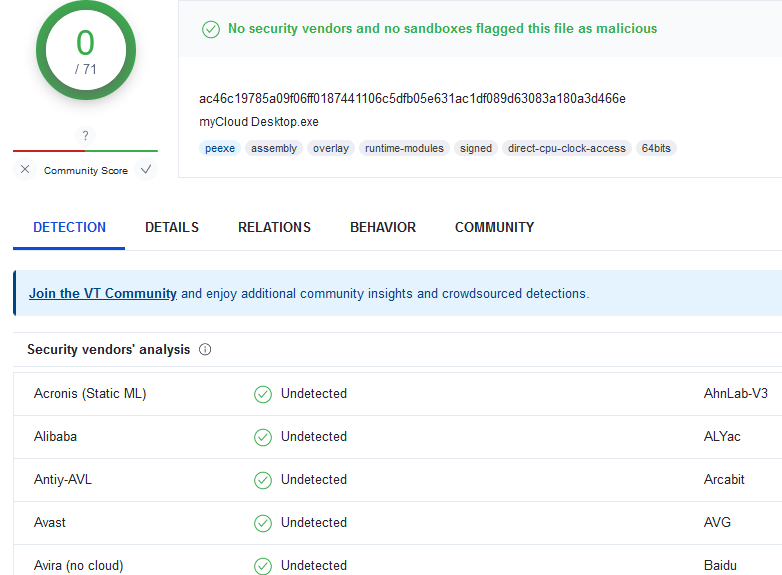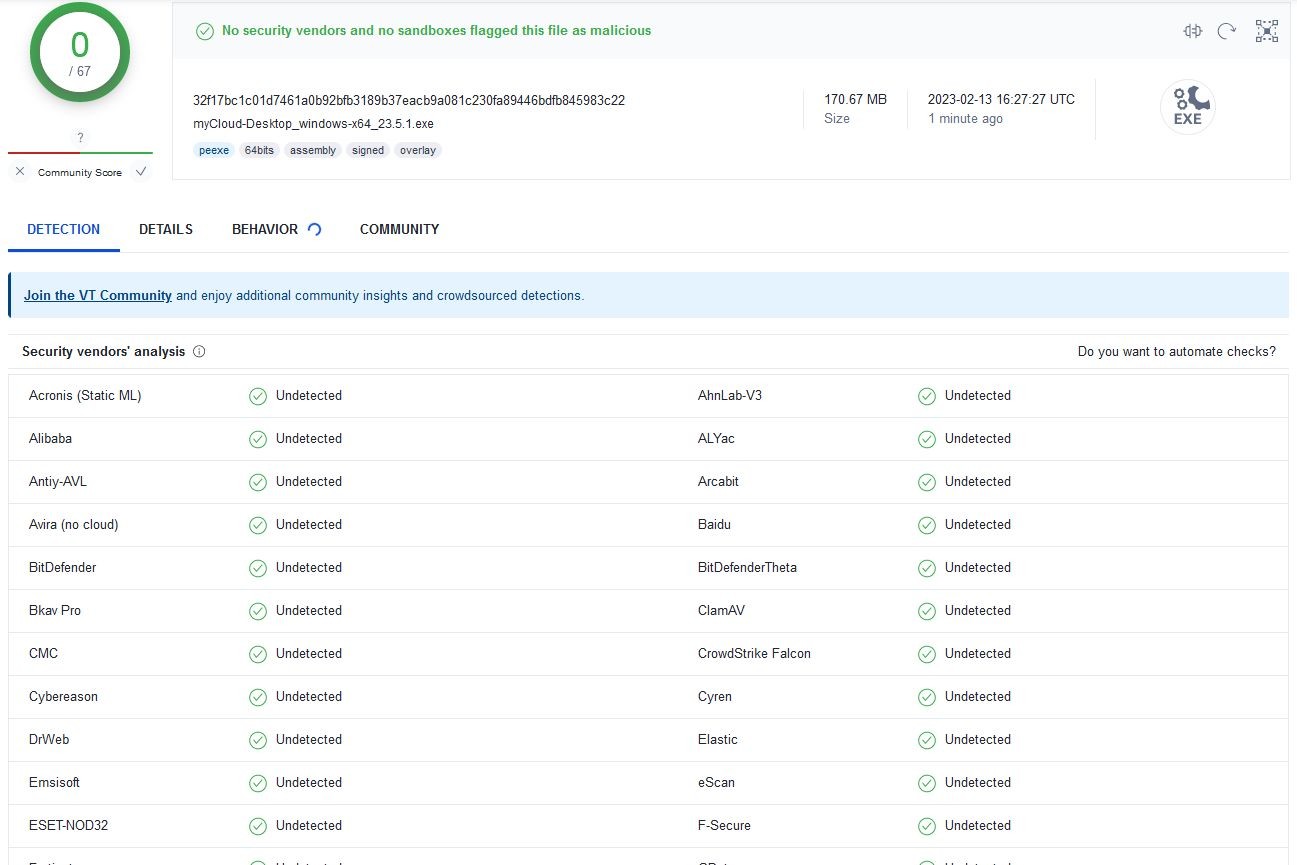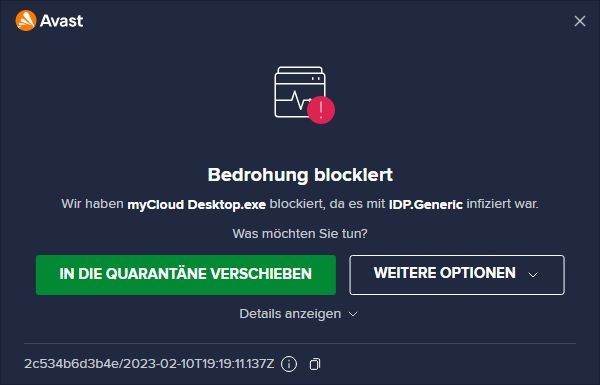
1.) myCloud Desktop.exe wegen IDP.Generic-Infektion von Avast Antivir blockiert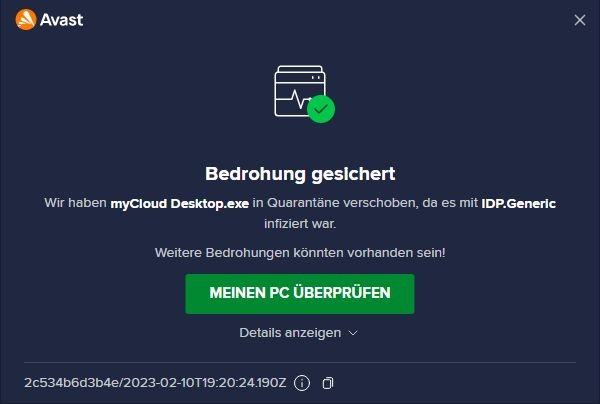
2.) myCloud Desktop.exe wegen IDP.Generic-Infektion von Avast Antivir in Quarantäne verschoben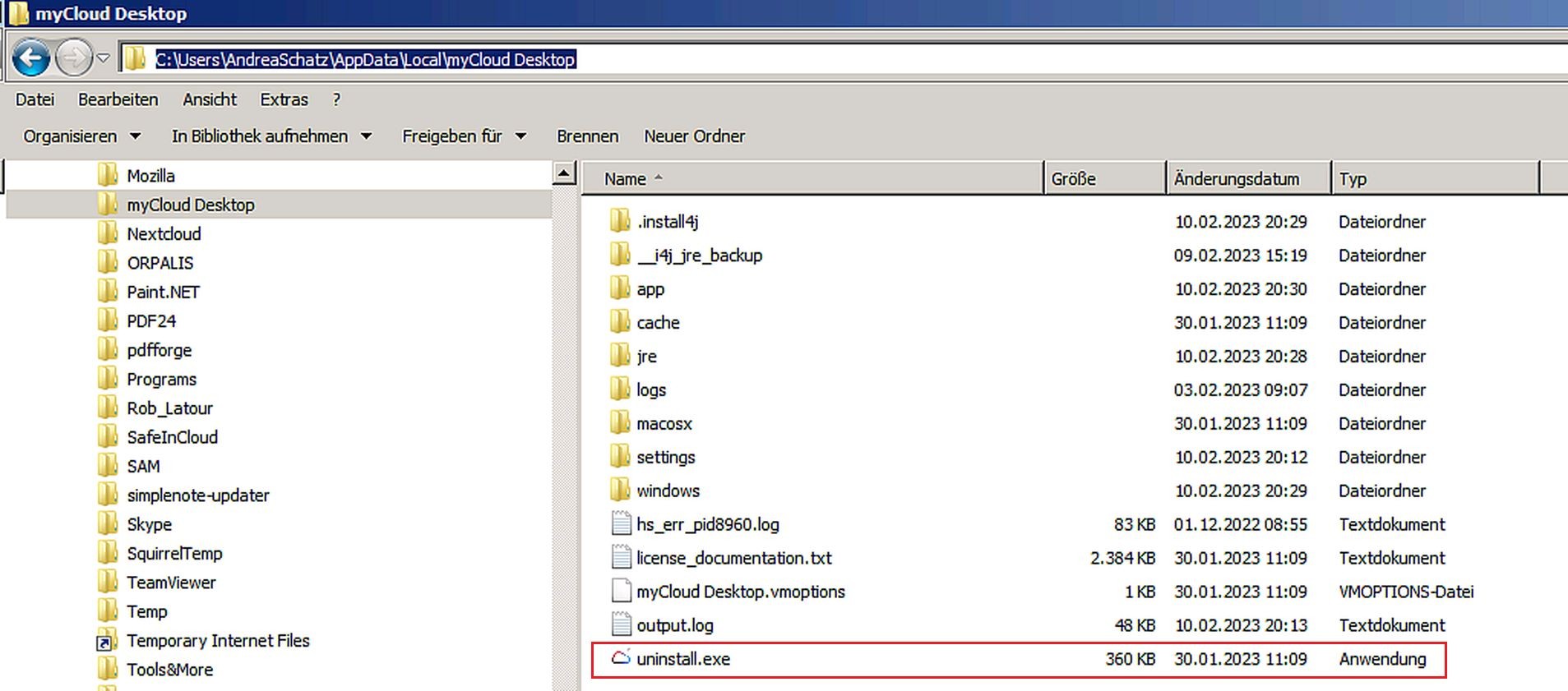
3.) uninstall.exe (Pfad zum Ablageort)
4.) uninstall.exe Fehlermeldung
Die log-Datei (= in der Fehlermeldung des 4. Bildes erwähnt) hat diesen Textinhalt:
Exception:
java.lang.UnsatisfiedLinkError: could not load i4jinst from false, C:\sers\
dreaSchatz\ppData\ocal\4jinst.dll, C:\sers\
dreaSchatz\ppData\ocal\yCloud Desktop\install4j\4jinst.dll
at com.install4j.runtime.installer.platform.win32.Common.loadNonDebug(Common.java:83)
at com.install4j.runtime.installer.platform.win32.Common.init(Common.java:57)
at com.install4j.runtime.installer.platform.win32.Common.init(Common.java:30)
at com.install4j.runtime.installer.platform.win32.FolderInfo.<clinit>(FolderInfo.java:47)
at com.install4j.runtime.installer.config.InstallerConfig.setInstallationDirectory(InstallerConfig.java:306)
at com.install4j.runtime.installer.Application.initInstallationDirectory(Application.java:115)
at com.install4j.runtime.installer.Uninstaller.getScreenExecutor(Uninstaller.java:50)
at com.install4j.runtime.installer.Uninstaller.runInProcess(Uninstaller.java:39)
at com.install4j.runtime.installer.Uninstaller.main(Uninstaller.java:29)
at java.base/jdk.internal.reflect.NativeMethodAccessorImpl.invoke0(Native Method)
at java.base/jdk.internal.reflect.NativeMethodAccessorImpl.invoke(NativeMethodAccessorImpl.java:77)
at java.base/jdk.internal.reflect.DelegatingMethodAccessorImpl.invoke(DelegatingMethodAccessorImpl.java:43)
at java.base/java.lang.reflect.Method.invoke(Method.java:568)
at com.exe4j.runtime.LauncherEngine.launch(LauncherEngine.java:84)
at com.exe4j.runtime.WinLauncher.main(WinLauncher.java:94)
at com.install4j.runtime.launcher.WinLauncher.main(WinLauncher.java:25)
System properties:
java.specification.version=17
sun.cpu.isalist=amd64
sun.jnu.encoding=Cp1252
java.class.path=C:\sers\
dreaSchatz\ppData\ocal\yCloud Desktop\install4j\4jruntime.jar
java.vm.vendor=BellSoft
sun.arch.data.model=64
install4j.exeDir=C:\sers\
dreaSchatz\ppData\ocal\yCloud Desktop\
user.variant=
java.vendor.url=https://bell-sw.com/
user.timezone=Europe/Berlin
java.vm.specification.version=17
os.name=Windows 7
user.country=DE
sun.boot.library.path=c:\sers\
dreaschatz\ppdata\ocal\ycloud desktop\re\in
sun.java.command=C:\sers\
dreaSchatz\ppData\ocal\yCloud Desktop\
install.exe
jdk.debug=release
sun.cpu.endian=little
exe4j.unextractedPosition=0
user.home=C:\sers\
dreaSchatz
user.language=de
jdk.http.auth.tunneling.disabledSchemes=
java.specification.vendor=Oracle Corporation
java.version.date=2022-08-12
java.home=c:\sers\
dreaschatz\ppdata\ocal\ycloud desktop\re
file.separator=\
java.vm.compressedOopsMode=Zero based
line.separator=
java.vm.specification.vendor=Oracle Corporation
java.specification.name=Java Platform API Specification
jdk.lang.Process.allowAmbiguousCommands=false
exe4j.moduleName=C:\sers\
dreaSchatz\ppData\ocal\yCloud Desktop\
install.exe
exe4j.tempDir=
user.script=
exe4j.consoleCodepage=cp0
sun.management.compiler=HotSpot 64-Bit Tiered Compilers
exe4j.isInstall4j=true
java.security.manager=allow
java.runtime.version=17.0.4.1+1-LTS
user.name=AndreaSchatz
path.separator=;
os.version=6.1
java.runtime.name=OpenJDK Runtime Environment
file.encoding=Cp1252
java.vm.name=OpenJDK 64-Bit Server VM
exe4j.semaphoreName=Local\:_users_andreaschatz_appdata_local_mycloud_desktop_uninstall.exe
install4j.appDir=C:\sers\
dreaSchatz\ppData\ocal\yCloud Desktop\
java.vendor.url.bug=https://bell-sw.com/support
java.io.tmpdir=C:\sers\NDREA1\ppData\ocal\emp\
java.version=17.0.4.1
user.dir=C:\sers\
dreaSchatz\ppData\ocal
os.arch=amd64
java.vm.specification.name=Java Virtual Machine Specification
sun.os.patch.level=Service Pack 1
native.encoding=Cp1252
java.library.path=c:\sers\
dreaschatz\ppdata\ocal\ycloud desktop\re\in;C:\sers\
dreaSchatz\ppData\ocal\yCloud Desktop\\install4j;C:\sers\
dreaSchatz\ppData\ocal\yCloud Desktop\\install4j\ser;C:\rogram Files (x86)\ommon Files\racle\ava\avapath;C:\rogramData\racle\ava\avapath;C:\rogram Files\ommon Files\icrosoft Shared\indows Live;C:\rogram Files (x86)\ommon Files\icrosoft Shared\indows Live;C:\rogram Files (x86)\
tel\CLS Client\C:\rogram Files\
tel\CLS Client\C:\indows\ystem32;C:\indows;C:\indows\ystem32\bem;C:\indows\ystem32\indowsPowerShell\1.0\C:\rogram Files\
tel\
tel(R) Management Engine Components\AL;C:\rogram Files\
tel\
tel(R) Management Engine Components\PT;C:\rogram Files (x86)\
tel\
tel(R) Management Engine Components\AL;C:\rogram Files (x86)\
tel\
tel(R) Management Engine Components\PT;C:\rogram Files (x86)\
tel\penCL SDK\.0\in\86;C:\rogram Files (x86)\
tel\penCL SDK\.0\in\64;C:\rogram Files (x86)\icrosoft SQL Server\00\ools\inn\C:\rogram Files\icrosoft SQL Server\00\ools\inn\C:\rogram Files\icrosoft SQL Server\00\TS\inn\C:\rogram Files (x86)\icrosoft SQL Server\00\ools\inn\SShell\ommon7\DE\C:\rogram Files (x86)\icrosoft SQL Server\00\TS\inn\C:\rogram Files (x86)\indows Live\hared;C:\rogram Files\icrosoft\eb Platform Installer\C:\rogram Files (x86)\icrosoft ASP.NET\SP.NET Web Pages\1.0\C:\rogram Files\ySQL\ySQL Utilities 1.6\C:\rogram Files\rocess Lasso\;C:\rogram Files\xifTool;C:\rogram Files (x86)\amsung\amsung PC Studio 3\C:\rogram Files\otnet\C:\rogram Files (x86)\oxcryptor\in\D:\rogramme\in\ateipfadlängen-Analyse\ath Scanner 1.6.0.129 free
java.vm.info=mixed mode
java.vendor=BellSoft
java.vm.version=17.0.4.1+1-LTS
sun.io.unicode.encoding=UnicodeLittle
java.class.version=61.0
exe4j.launchName=C:\sers\
dreaSchatz\ppData\ocal\yCloud Desktop\
install.exe