@Hatuntau79
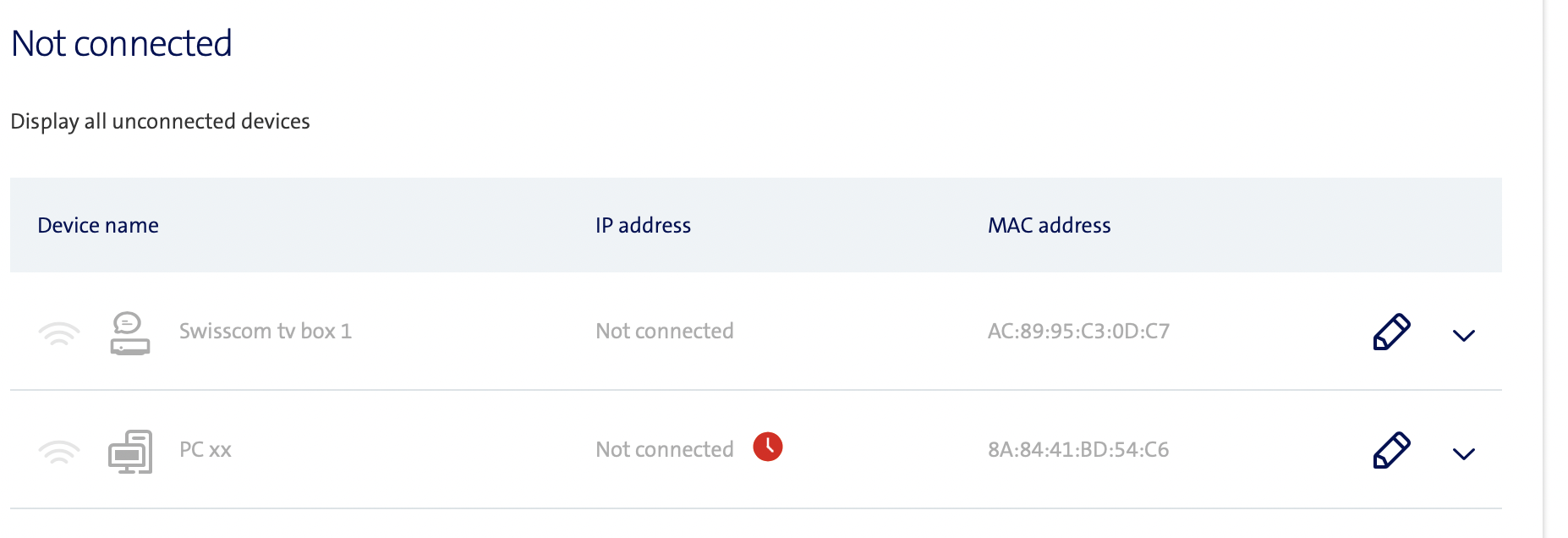
>... Could it be my 2 Swisscom TV boxes creating these virtual WiFi connections?...
that would be strange, see in the router management
Overview > Home Network > or Network topology
the Swisscom Boxes should appear under Wired devices or WLAN
click on the device > Edit device name and icon
define a specific name like Swisscom Box 1 and Swisscom Box 2
it is also possible to define an icon > Device icon
>... First reason (passing devices) can be ruled out because of new strong password...
The password doesn't change the situation, if the neighborhood is using devices with automatic connection, they will search all the nearby networks, but the connection will fail because the pwd is not the right one. This can be checked under the router management
Diagnostics > WLAN > Debug information
Connection counter since last reboot (xx Days xx h xx min):
Successful connections: xx
Failed connection attempts: xx
Connection attempts with authentication error: xx
if this last counter > 0 the explanation would be this
make the check for WLAN 2.4 GHz and WLAN 5 GHz
>... Swisscom help did not explain them however, and ought to now how the TV boxes work....
If the device comes back connected through Wifi after the key change, it's definitely one of your devices. I don't see a standard intruder finding the key immediately. One case I've seen is a PC opening a virtual connection in IPV6 that appears as an additional connection (and with longer addresses). If you define names for your devices, make sure you link the name to the MAC address, because the IP address can change at any time and your device will take on a generic name. The DECT phone does not use the LAN, so it is not visible.
Identify each MAC address of the devices used, then named them specifically. Then eliminate everything that was different. All devices must be OK. If the IP addresses change, it does not add anything to the list of devices on the home network.
It is important to know that a machine with Wifi that is also connected to the LAN will appear twice in the list with 2 different IPs. Each connection has a different MAC address. This is maybe something to check before activating the MAC address filtering which is quite heavy to manage. If you really think that your Wifi is compromised, it is easier to change the key and reconnect the machines using WPS.